
Links Labels

Call us anytime

+971 58 162 0302

Inventory Management

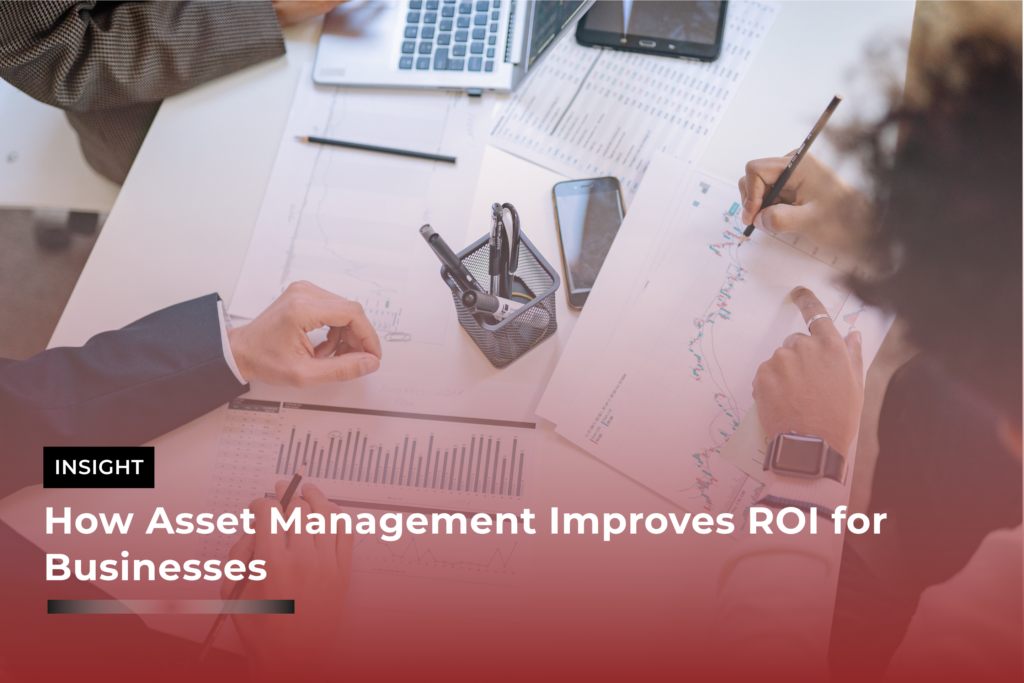
How Asset Management Improves ROI for Businesses
asset management, Asset Tagging, Asset Tracking, Inventory Management, RFID Technology, smart labels

How Asset Management Improves ROI for Businesses

In today’s competitive business environment, maximizing return on investment (ROI) is a top priority for every organization. While many companies focus on marketing, sales, or expansion strategies, one critical area often overlooked is asset management. Effective asset management ensures that every piece of equipment, technology, and resource is used efficiently, maintained properly, and contributes directly to business growth. When done right, it can significantly boost ROI while reducing unnecessary costs. What Is ROI in Asset Management? ROI (Return on Investment) in asset management refers to the value a business gains from its assets compared to the cost of acquiring, maintaining, and operating them. Simply put:Better asset utilization + Lower costs = Higher ROI 1. Maximizing Asset Utilization One of the biggest ways asset management improves ROI is by ensuring that all assets are used efficiently. How it helps: When businesses know exactly how their assets are being used, they can make smarter decisions—leading to higher productivity without additional investment. 2. Reducing Operational Costs Poor asset management often results in unnecessary expenses such as repairs, replacements, or duplicate purchases. With proper asset management: By controlling these expenses, businesses can significantly improve their profit margins. 3. Preventing Asset Loss and Theft Lost or stolen assets directly impact ROI by increasing replacement costs. Asset management solutions help by: This ensures that businesses get maximum value from every asset they own. 4. Improving Maintenance Efficiency Reactive maintenance is expensive. Preventive maintenance is cost-effective. Benefits include: Scheduled maintenance ensures that assets continue to perform at optimal levels, directly contributing to higher ROI. 5. Better Financial Planning and Budgeting Accurate asset data helps businesses make informed financial decisions. With proper asset insights: This leads to smarter budgeting and improved financial performance. 6. Enhancing Productivity When employees have access to the right tools at the right time, productivity increases. Asset management supports this by: Higher productivity means more output with the same resources—boosting ROI. 7. Supporting Data-Driven Decision Making Modern asset management systems provide real-time data and analytics. This enables businesses to: Data-driven decisions reduce risks and improve overall business outcomes. 8. Ensuring Compliance and Reducing Risk Non-compliance can lead to penalties and financial losses. Asset management helps by: Reducing compliance risks protects business revenue and improves ROI. 9. Optimizing Asset Lifecycle Management Every asset has a lifecycle—from purchase to disposal. Effective lifecycle management: This balance helps businesses extract the maximum return from each asset. 10. Enabling Scalability and Growth As businesses grow, managing assets becomes more complex. With a strong asset management system: This ensures sustainable growth without unnecessary financial strain. Final Thoughts Asset management is not just an operational function—it’s a strategic tool that directly impacts profitability. By improving efficiency, reducing costs, and enabling smarter decision-making, businesses can significantly enhance their ROI. Organizations that invest in structured asset management systems gain a competitive advantage by turning their assets into powerful drivers of growth rather than hidden costs.
Common Asset Management Mistakes Businesses Make and How to Avoid Them
asset management, Asset Tagging, Asset Tracking, Inventory Management, RFID Technology, smart labels

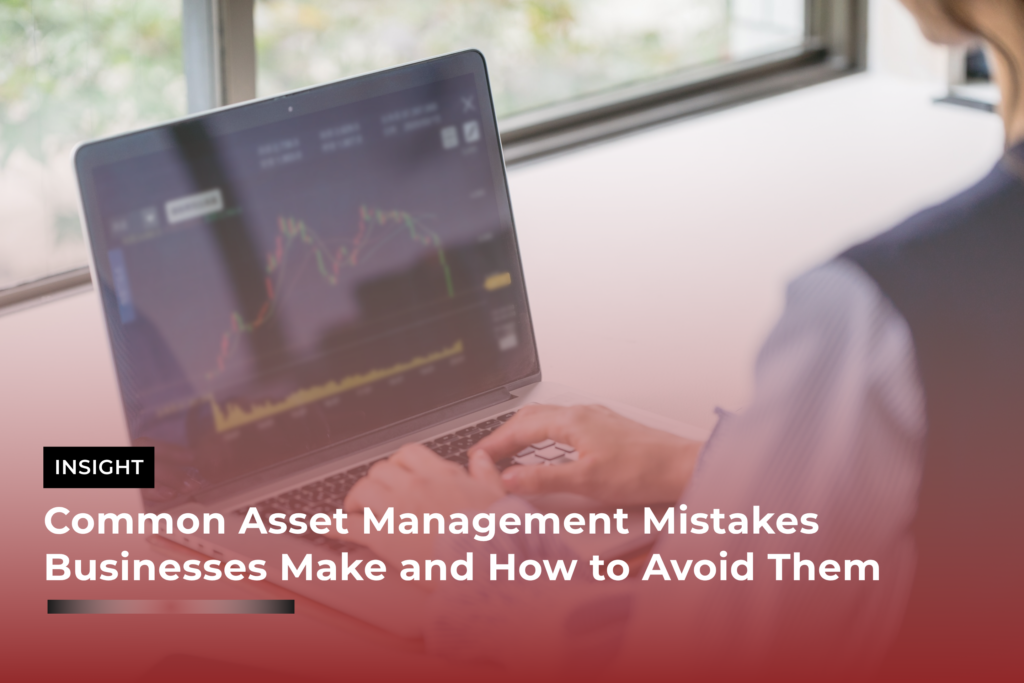
Common Asset Management Mistakes Businesses Make and How to Avoid Them

Asset management plays a critical role in maintaining operational efficiency, reducing costs, and ensuring long-term business growth. Whether you are managing equipment, IT assets, or inventory, having a structured asset management system is essential. However, many businesses still make avoidable mistakes that lead to financial losses, inefficiencies, and compliance issues. In this guide, we’ll explore the most common asset management mistakes businesses make—and how you can avoid them. 1. Lack of a Centralized Asset Management System One of the biggest mistakes businesses make is managing assets manually or across multiple disconnected systems. This leads to confusion, data duplication, and poor visibility. Why it’s a problem: How to avoid it:Implement a centralized asset management system that allows real-time tracking, reporting, and updates. A unified platform ensures better control and transparency across your organization. 2. Poor Asset Tracking and Visibility Without proper tracking, businesses lose control over their assets. This often results in misplaced equipment, theft, or underutilization. Why it’s a problem: How to avoid it:Use asset tagging technologies such as barcodes, QR codes, or RFID systems to monitor assets in real time. This improves visibility and accountability. 3. Ignoring Preventive Maintenance Many companies only fix assets when they break down instead of maintaining them proactively. Why it’s a problem: How to avoid it:Set up automated maintenance schedules and reminders. Preventive maintenance ensures assets remain in optimal condition and reduces long-term costs. 4. Inaccurate or Outdated Asset Data Outdated asset records can lead to poor decision-making and compliance issues. Why it’s a problem: How to avoid it:Regularly audit and update your asset database. Ensure all assets are properly recorded, categorized, and tracked throughout their lifecycle. 5. Lack of Asset Lifecycle Management Many businesses focus only on acquiring assets but ignore their full lifecycle—from procurement to disposal. Why it’s a problem: How to avoid it:Adopt a lifecycle management approach that covers: 6. No Accountability or Ownership When no one is responsible for assets, it leads to misuse, negligence, and loss. Why it’s a problem: How to avoid it:Assign asset ownership to specific employees or departments. This creates accountability and ensures proper usage and care. 7. Underutilization of Assets Businesses often invest heavily in assets that are not fully utilized. Why it’s a problem: How to avoid it:Track asset usage data and identify underutilized resources. Reallocate or optimize these assets to maximize efficiency and return on investment. 8. Failure to Integrate Technology Relying on outdated systems or manual processes limits efficiency and scalability. Why it’s a problem: How to avoid it:Invest in modern asset management software with features like: 9. Ignoring Compliance and Documentation Businesses often overlook regulatory requirements related to asset management. Why it’s a problem: How to avoid it:Maintain proper documentation for all assets, including purchase records, maintenance logs, and disposal reports. Ensure compliance with industry regulations. 10. Lack of Employee Training Even the best systems fail if employees are not trained properly. Why it’s a problem: How to avoid it:Provide regular training to employees on asset management processes and tools. Ensure they understand the importance of proper tracking and maintenance. Final Thoughts Asset management is more than just tracking equipment—it’s about optimizing resources, reducing costs, and improving overall business performance. By avoiding these common mistakes, businesses can gain better control over their assets and achieve long-term operational success. A well-structured asset management strategy, supported by the right technology and processes, can transform the way your business operates—turning assets into powerful drivers of growth rather than hidden liabilities.

integrating inventory management software to the existing system
Inventory Management

Integrating Inventory Management Software with Your Existing Systems 

The efficient inventory management is critical to maintaining a competitive edge in todays business environment. However, many businesses struggle with siloed systems, manual processes, and disjointed workflows that lead to inefficiencies and errors. This is where inventory management software comes into play. But simply adopting new software isn’t enough—integrating it seamlessly with your existing systems is the key to unlocking its full potential.  Why Integration Matters  Inventory management software is designed to streamline operations, improve accuracy, and provide real-time visibility into your stock levels. However, its effectiveness depends on how well it works with your existing systems, such as:  Enterprise Resource Planning (ERP) systems  Point of Sale (POS) systems  E-commerce platforms  Accounting software  Supply chain and logistics tools  Integration ensures that data flows seamlessly between systems, eliminating manual data entry, reducing errors, and providing a unified view of your operations. For example, when a sale is made on your e-commerce platform, the inventory management software should automatically update stock levels, trigger reorder alerts, and sync data with your accounting software.  Without integration, you risk creating data silos, duplicating efforts, and missing out on the efficiency gains that inventory management software promises.  Challenges of Integration  While integration offers numerous benefits, it’s not without its challenges. Here are some common hurdles businesses face:   Compatibility Issues: Not all systems are designed to work together. Legacy systems, in particular, may lack the APIs or modern architecture needed for seamless integration.   Data Inconsistencies: Different systems may use different formats or standards for data, leading to inconsistencies during integration.    Cost and Complexity: Integration can be time-consuming and expensive, especially if custom development is required.   Resistance to Change: Employees may be hesitant to adopt new processes or tools, slowing down the integration process.  Security Concerns: Integrating systems can expose vulnerabilities, making data security a top priority.   Steps to Successfully Integrate Inventory Management Software  To overcome these challenges and ensure a smooth integration, follow these steps:  1. Assess Your Current Systems  Start by evaluating your existing systems and processes. Identify the tools you currently use, their functionalities, and any gaps or inefficiencies. This will help you determine what features you need in your inventory management software and how it should integrate with your current setup.  2. Choose the Right Software  Not all inventory management software is created equal. Look for a solution that offers robust integration capabilities, such as pre-built connectors, APIs, or support for third-party integrations. Cloud-based solutions are often more flexible and easier to integrate than on-premise systems.  3. Plan the Integration Process  Integration is a complex process that requires careful planning. Create a detailed roadmap that outlines the steps involved, the resources required, and the timeline. Involve key stakeholders from different departments to ensure everyone is on the same page.  4. Clean and Standardize Your Data  Before integrating, clean up your data to eliminate duplicates, errors, and inconsistencies. Standardize data formats across systems to ensure smooth data flow. This step is crucial for avoiding issues during and after integration.  5. Leverage APIs and Middleware  APIs (Application Programming Interfaces) are the backbone of system integration. They allow different software applications to communicate with each other. If your systems don’t have native integration capabilities, consider using middleware—a software layer that acts as a bridge between systems.  6. Test Thoroughly  Before going live, conduct extensive testing to ensure the integration works as expected. Test different scenarios, such as sales transactions, stock updates, and reporting, to identify and resolve any issues.  7. Train Your Team  Integration often involves changes to workflows and processes. Provide comprehensive training to your team to help them understand the new system and how it integrates with existing tools. Address any concerns or resistance to change early on.  8. Monitor and Optimize  Integration is not a one-time event—it’s an ongoing process. Continuously monitor the performance of your integrated systems and gather feedback from users. Use this information to optimize processes and address any emerging issues.  Benefits of Successful Integration  When done right, integrating inventory management software with your existing systems can deliver significant benefits, including:   Improved Efficiency: Automating data flow between systems reduces manual effort and speeds up processes.  Enhanced Accuracy: Real-time data synchronization minimizes errors and ensures accurate stock levels.  Better Decision-Making: A unified view of your operations provides valuable insights for informed decision-making.  Cost Savings: Streamlined processes and reduced errors lead to lower operational costs.  Scalability: Integrated systems are better equipped to handle growth and adapt to changing business needs.  Final Thoughts Integrating inventory management software with your existing systems is a strategic decision that can revolutionize your business operations. Although the process may seem challenging, the rewards are well worth the effort. By following the steps outlined in this blog, you can ensure a seamless integration that boosts efficiency, accuracy, and scalability. Key to a successful integration is meticulous planning, selecting the right tools, and engaging your team throughout the process. With the right approach, you can maximize the potential of your inventory management software and elevate your business operations. If you’re ready to take the next step, start by assessing your current systems and exploring inventory management solutions that align with your integration needs. Don’t forget, integrating your systems through Links Project Management can further streamline your operations and enhance overall project efficiency. The future of your business is just a step away!

Scroll to Top